How to Use WhatsApp Automation Without Sounding Robotic
Clear replies, relevant context and a smooth handoff to your team: design conversations that actually help.
In this article6
Automate clear service steps
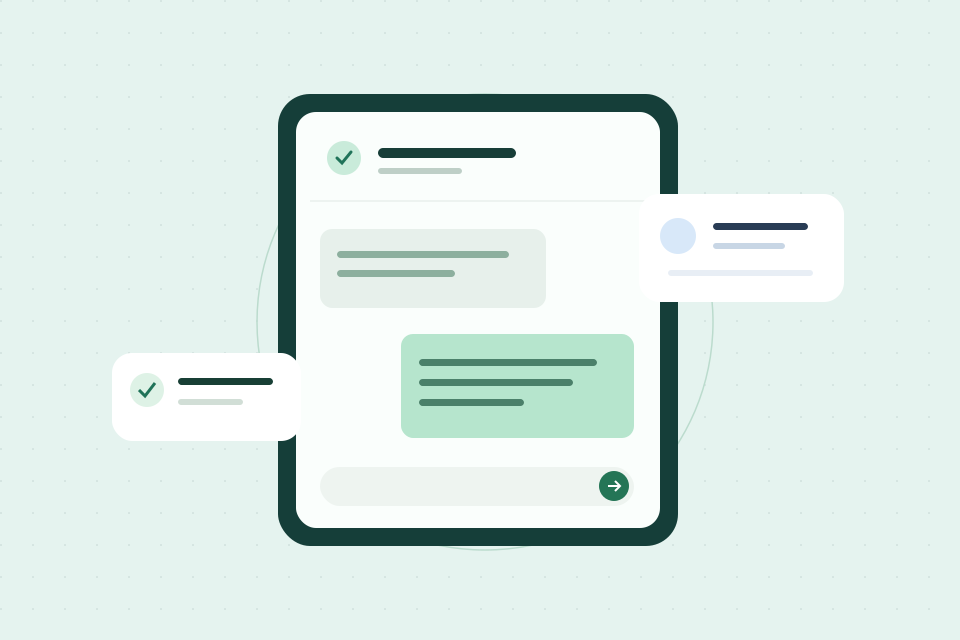
Use WhatsApp automation for a first acknowledgment, appointment confirmation or a requested reminder. Explain what happens next and provide a path to a person. Use the official account and provider setup appropriate to the business and follow current channel policies.
Write like your team speaks
Keep each message focused on one purpose. Do not pretend an AI assistant is a person or send multiple interruptions for minor updates. Use customer details only when the record is reliable and the message is relevant.
Compare “Dear user, your request has been successfully processed” with “Thanks for reaching out. Would you like to book an appointment or learn about our services?” The second response gives the person a clear next step.
Ask one question at a time. If the customer has already explained what they need, do not ask again. Useful personalization means retaining context, not repeating their name in every message.
Set stop and handoff rules
Stop after a reply, opt-out, complaint, booking or handoff. Route urgent, uncertain or sensitive requests to staff. Review failed delivery, response time and whether conversations reach the correct team.
Test the whole journey before launch
Test a typical inquiry, an unexpected question and a request to speak with someone. Check what the customer receives and what the team sees in the record. A friendly response is not useful if nobody owns the next step.
Also check what happens when someone writes back after booking. The workflow should recognize the changed stage instead of sending an invitation that no longer fits.
Practical checklist
- Every message has one purpose and a clear next step.
- Customers can ask for a person.
- The team receives the conversation context.
- Reminders stop when the situation changes.
- Replies have been tested with real questions.
Frequently asked questions
Should this be fully automated?
Not usually. The best systems automate speed, routing and reminders while letting humans handle judgment, sensitive questions and closing conversations.
What should I automate first?
Start with the biggest leak: missed calls, slow ad lead response, unorganized WhatsApp messages, no-show reminders or post-quote follow-up.
Can Trivu help build this?
Yes. Trivu can map the workflow, configure the CRM, connect lead sources and build automations or AI assistant flows around the business process.
Turn the idea into a connected process.
Let's review how customers reach your business and where a clearer workflow could help.
Book a demo