Loyalty card in Google Wallet: how it works for your business
How a loyalty card in Google Wallet works, what customers see, how balances update and what you need to offer one without building an app.
In this article5
What the customer sees
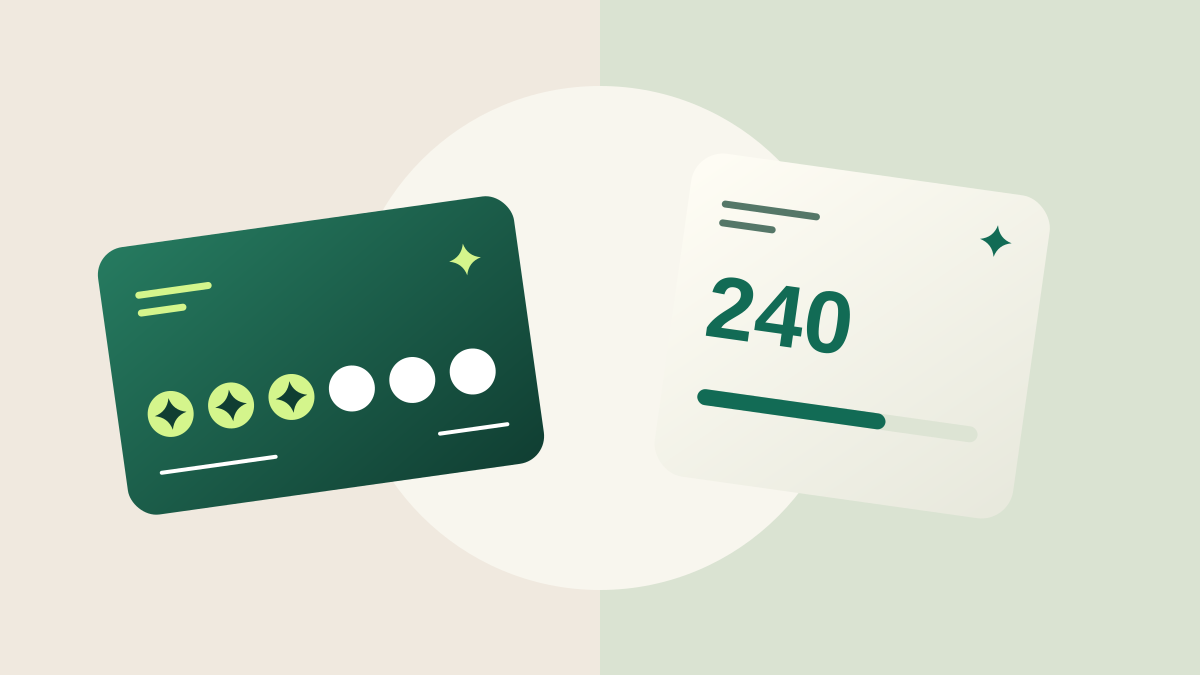
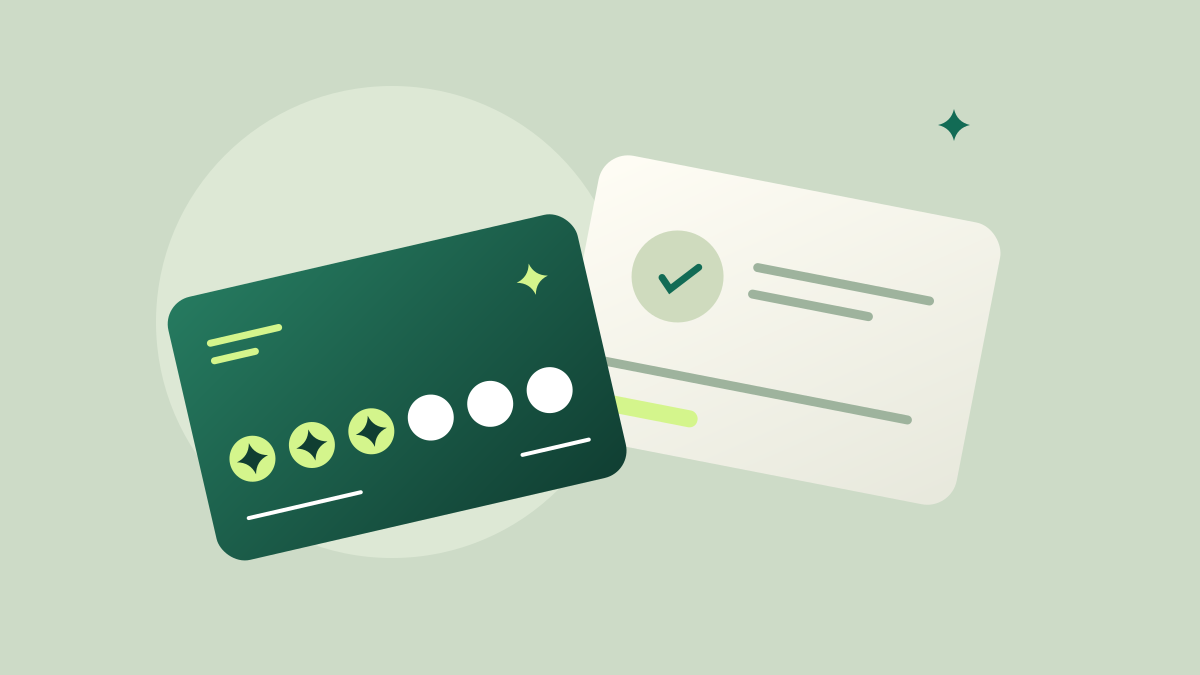
The pass shows your logo and colors, the customer's name, their stamps or points, the next reward and a QR code to scan at checkout. It sits next to their bank cards and boarding passes, so it's always at hand.
How it's added and updated
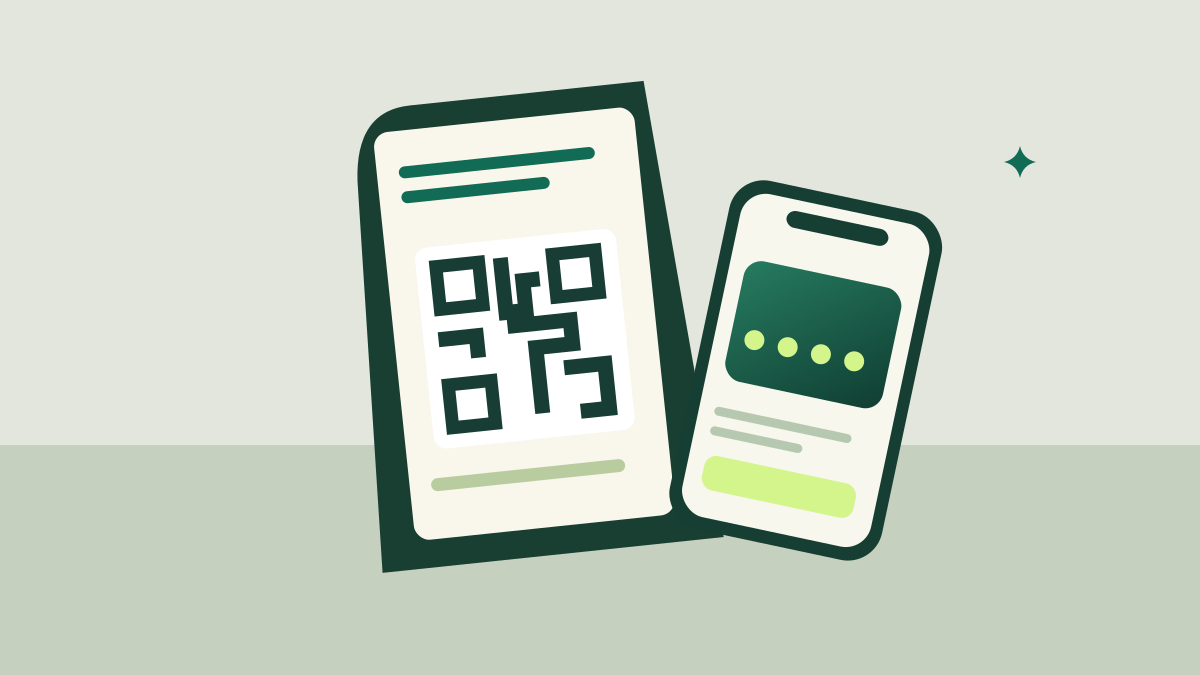
The customer signs up from your QR poster, opens their card and taps “Add to Google Wallet”. From then on, each stamp or redemption your team records updates the pass automatically.
On iPhone, Apple Wallet requires a separate certificate; with Trivu, iPhone users use the web card while Apple Wallet support is coming soon.
What you need as a business
You don't need developers or an app. A platform like Trivu creates the card design, the sign-up page, the Google Wallet pass and the scanner your team uses on any phone.
Practical checklist
- Design the card with your logo and colors
- Print the QR sign-up poster
- Show customers the “Add to Google Wallet” button
- Scan the pass at checkout
Frequently asked questions
Does Google Wallet charge the business?
Google doesn't charge for loyalty passes; you pay for the platform that creates and updates them.
What if a customer doesn't use Google Wallet?
They use the web card in their browser, which shows the same balance and QR code.
Create your digital loyalty card today.
Stamps or points in Google Wallet, a QR poster for your counter and a scanner for your team. Free for 14 days, no card needed.
Start free trial